
 Smart Bookmarks
Smart Bookmarks — Build Movie Collections by Pasting Links
Paste any movie or show link and MovieLinks instantly creates a card with poster, title, and a direct link. Build personal collections like a wishlist — but for any film from any site.
No manual entry. Paste a URL, get a beautiful card. Your movie picks stay organized and one click away.

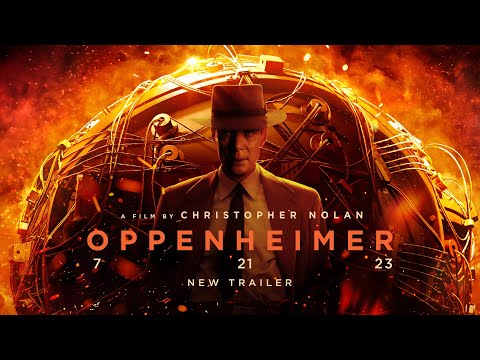


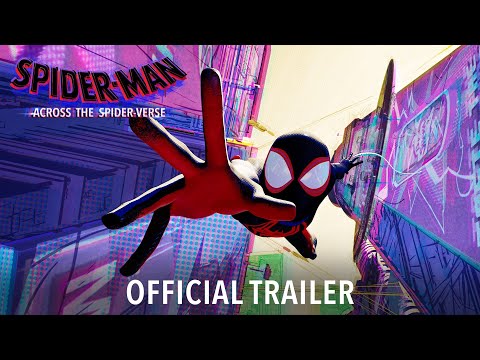
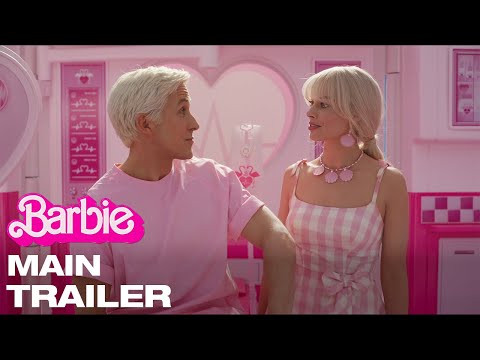
How Smart Bookmarks work
Create a Collection
Start a new collection for any theme — weekend picks, anime marathon, date night films. Name it and you are ready to add links.
Paste Any Movie Link
Вставте URL з YouTube, TMDB, Netflix, IMDb, Disney+ або MovieLinks. Smart Bookmarks підтягне постер, назву та метадані — трейлери, фільми й серіали.
Click Cards to Open the Original Site
Each card links back to where you found the film — streaming page, review, or database entry. Your collection becomes a visual launchpad.
Organize, Filter & Share
Sort cards, mark favorites, and share the whole collection with one link. Friends can browse without signing up.
Why Smart Bookmarks beat a regular wishlist
A watchlist tracks titles inside one app. Smart Bookmarks work with links from anywhere — trailers, articles, streaming pages, friend recommendations. You get the visual polish of a movie app with the flexibility of a bookmark manager.
Think of it as a wishlist for films — but every card opens exactly where you saved it from.
Часті питання
What links can I paste?


Any valid URL works. TMDB, IMDb, Netflix, and MovieLinks links produce the richest cards with posters and titles.
Do cards open inside MovieLinks?
Each card links to the original URL you pasted — the streaming site, review, or database page.
How is this different from Favorites or Watchlist?
Favorites and Watchlist save titles from the MovieLinks catalog. Smart Bookmarks accept external links and build cards automatically.
Can I share my collection?
Yes. Generate a share link and send it to friends. They can browse your collection without creating an account.
Чи можна зберігати посилання на YouTube-трейлери?
Так. YouTube працює разом із TMDB, Netflix та IMDb. MovieLinks підтягує превʼю та назву.
Smart Bookmarks безкоштовні?
Так. Створення підбірок і вставка посилань безкоштовні з акаунтом MovieLinks.
Не знаєте, що подивитися сьогодні?
Зберігайте посилання картками в Smart Bookmarks, а Tonight's Pick підбере фільм під ваш настрій.
 Почати — це безкоштовно

